
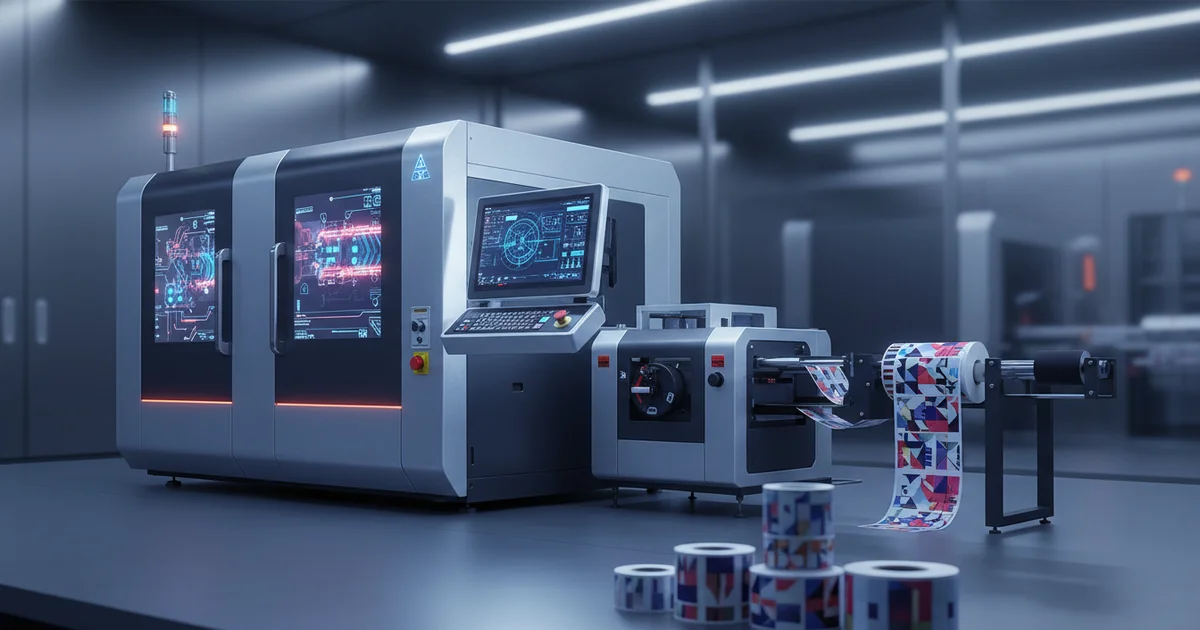
On-demand digital label printing beats flexo for runs under 3,000 units, saving $650+ in plate costs. Achieve Delta E < 3.0 color on HP Indigo presses. Key for 2oz amber jar, beverage (Saudi Arabia), and beauty product labels with FDA-compliant inks. Learn about on demand digital label printing.
Why Does On-Demand Digital Label Printing Beat Flexo for Short Runs in 2026?
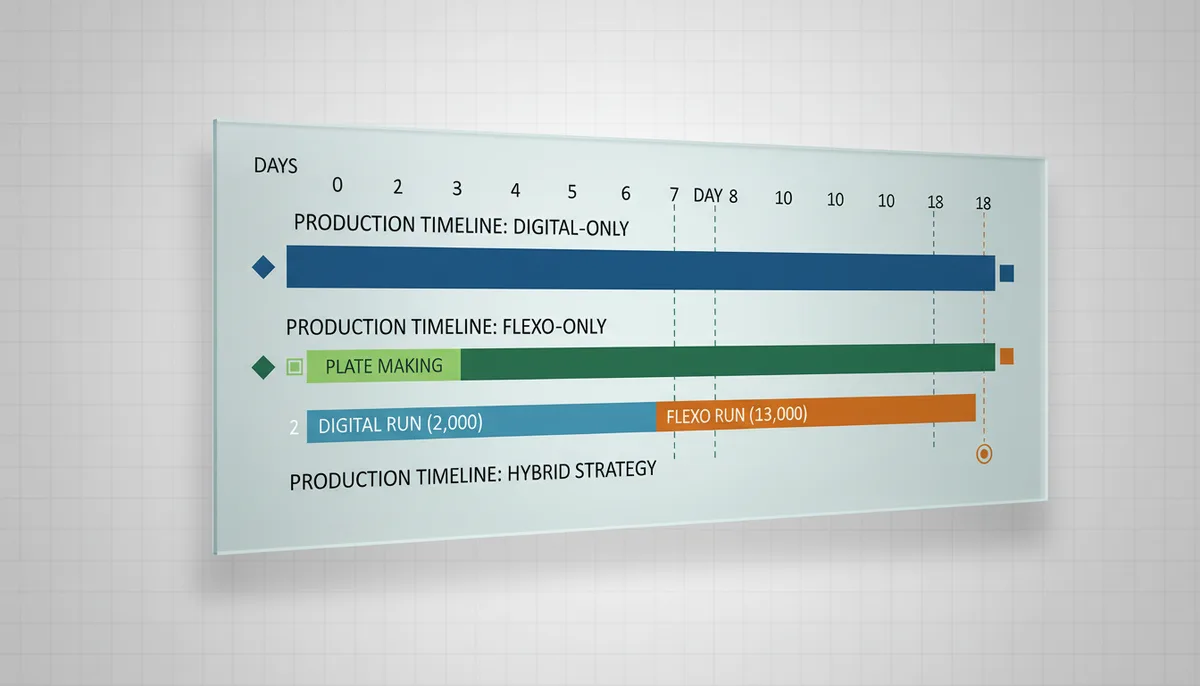
On-demand digital label printing eliminates plate costs for runs under 3,000 units. Flexo requires engraved plates at $650+ per color. For a four-color label, that's $2,600 before a single print. By using HP Indigo 6900 digital presses, you print directly from digital files. There are no plates to make, mount, or store. This cuts setup time from days to minutes. Our production team at JinXinCai Print Production has seen clients reduce turnaround from 15 days to 5–7 days for short runs. Color quality no longer forces a trade-off. Updated for Q2 2026, digital press technology achieves Delta E < 3.0 on HP Indigo systems. That matches flexo quality for most brand colors. The promotional & diy goods solutions we produce use this same workflow. Flexo still wins for runs above 10,000 units, where per-unit costs drop sharply. But for short runs under 3,000, on-demand digital label printing saves time, money, and inventory waste.
On-demand digital label printing beats flexo for short runs under 3,000 units by eliminating plate costs of $650+ per color and reducing turnaround from 15 to 5–7 days, while delivering color accuracy of Delta E < 3.0 on HP Indigo presses.
Essential Equipment and Materials for On-Demand Digital Label Printing
On-demand digital label printing requires specific equipment and materials. The HP Indigo 6900 is the industry standard for short-run color labels. It uses HP Indigo ElectroInk, which complies with FDA regulations for indirect food contact. Substrate choice matters. BOPP film at 50–80 micron works best for clear beverage labels. PE film suits squeezable bottles in beauty product lines. Paper labels at 300 gsm are cost-effective for dry goods but fail in moist environments. Our production facility runs a high-speed full-rotary 6-color multifunctional label printing press alongside digital lines. We also operate an automatic self-adhesive label die-cutting machine with ±0.2 mm tolerance. This combination lets us handle both short digital runs and larger offset orders. FSC-certified paper options are available for eco-conscious clients. For specialty materials like metallic films, we recommend a hybrid approach using flexo for those runs.
Step-by-Step Workflow: From Artwork to Finished Label
This step-by-step workflow for on-demand digital label printing applies to beverage, beer, and beauty labels. The steps are identical. Only the substrate and ink compliance change. The process covers six key stages, each essential for consistent quality and fast turnaround.
Step 1: Prepare Artwork with Proper Color Separation
Files must be CMYK or spot color format at 300 DPI. Include a 3 mm minimum bleed and a 5 mm safety margin. Run a preflight check in Adobe Acrobat or PitStop to find missing fonts or low-res images.
Step 2: Select Substrate and Adhesive
For a 2 oz amber jar, use BOPP 50–80 micron with permanent adhesive. For squeezable bottles, use PE film. Test adhesion per ASTM D3330 adhesion test. A common mistake is using paper labels on beverage bottles — they fail in condensation.
Step 3: Set Up HP Indigo Press with DFE Calibration
Load the substrate-specific ICC profile. Set Delta E target below 3.0. Use HP Indigo ElectroInk for food-contact compliance. Measure the first print with a spectrophotometer like the X-Rite eXact.
Step 4: Run Proof and Adjust Color
Use G7 gray balance calibration. Check TVI curves. Keep maximum ink coverage at 300%. If Delta E exceeds 3.0, adjust curves and re-proof.
Step 5: Produce Final Run with Inline Inspection
Run speed up to 30 m/min on the HP Indigo 6900. Use an inline camera for barcode verification per ISO 15416 grade C or better. Pull a sample every 500 labels for color check.
Step 6: Die-Cut and Finish
Die-cutting tolerance is ±0.2 mm. For lamination, use gloss or matte BOPP at 25–40 micron. Verify die-cut registration with a caliper. Run a peel test for lamination adhesion.
How to Set Up a Short-Run Digital Label Job: 6-Step Summary
- Step 1: Prepare artwork at 300 DPI with 3 mm bleed and 5 mm safety margin.
- Step 2: Select BOPP 50–80 micron or PE film based on container type.
- Step 3: Load ICC profile on HP Indigo DFE; set Delta E target below 3.0.
- Step 4: Run G7-calibrated proof; verify with spectrophotometer.
- Step 5: Produce run at 30 m/min with inline barcode inspection.
- Step 6: Die-cut at ±0.2 mm tolerance; laminate at 25–40 micron.
How Do You Achieve Delta E < 3.0 on HP Indigo for On-Demand Digital Label Printing?
On-demand digital label printing color accuracy depends on three factors: proper calibration, substrate profiles, and verification tools. The HP Indigo 6900 combined with G7 calibration delivers Delta E < 3.0 for most spot colors. Our print production & color team uses an X-Rite eXact spectrophotometer for every job. We measure the first proof and compare it to the target Pantone or CMYK value. If Delta E exceeds 3.0, we adjust the TVI curves in the digital front end. Compared to flexo, digital color management is faster but requires more vigilance. Flexo holds color longer once set. Digital can drift between jobs if profiles are not reloaded. This is not ideal for operations running hundreds of unique SKUs daily without automated profile switching. Using an inline spectrophotometer with closed-loop feedback ensures consistent Delta E < 3.0 even in high-mix environments.
Achieve Delta E < 3.0 on HP Indigo by using G7 calibration, substrate-specific ICC profiles, and an X-Rite eXact spectrophotometer for proof verification. Inline closed-loop systems help maintain consistency during production runs.
Common Mistakes in On-Demand Digital Label Printing and How to Avoid Them
The most frequent error in on-demand digital label printing is using non-FDA-compliant inks for food labels. This risks regulatory rejection. For beverage label printing Saudi Arabia, verify compliance with both FDA regulations and local SFDA regulations. Incorrect substrate selection is the second most common mistake. Paper labels on beverage bottles fail in condensation. Use BOPP or PE film for moist environments. For beauty product label printing, consider moisture-resistant substrates if the product is used in bathrooms. Skipping color calibration is the third mistake. Without G7 calibration, Delta E can exceed 5.0. Brand colors mismatch across production runs. Always run a proof and measure it. Inadequate bleed under 3 mm is the fourth error. After die-cutting at ±0.2 mm tolerance, white edges appear. Always add 3 mm bleed and 5 mm safety margin. Providing a custom template at the start of each project helps avoid these issues.
Ready to Start Your Short-Run Label Project?
Our team handles artwork prep, substrate selection, and FDA-compliant production in 5–7 days.
Request a Free QuoteIndustry-Specific Applications: Beverage, Beauty, and Pharmaceutical Labels
On-demand digital label printing serves three major verticals. Each has unique needs. Beverage labels need moisture resistance and FDA-compliant inks. Beauty product labels demand high color accuracy for brand consistency. Pharmaceutical labels require barcode verification and traceability. For beverage label printing Saudi Arabia, use BOPP substrates and FDA-compliant HP Indigo ElectroInk. The hot, humid climate means adhesive performance is critical. Test peel adhesion per ASTM D3330 at elevated temperatures. For beer label printing Sydney, craft breweries often run 500–2,000 label quantities per batch. Digital eliminates plate costs entirely. The drawback is higher per-unit cost compared to flexo at volumes above 5,000 units. Consider instead a hybrid approach: digital for test batches, flexo for core SKUs. For beauty product label printing, color accuracy is non-negotiable. Brands invest heavily in Pantone colors. Digital achieves Delta E < 3.0, but keeping that across multiple substrate types requires careful profile management. FSC-certified and recycled substrates are also available for eco-friendly beauty lines.
Quality Control Methods for On-Demand Digital Label Printing
On-demand digital label printing quality control follows a three-tier system. First, inline inspection during production. Second, sample pulls at regular intervals. Third, lab testing for adhesion and durability. We use a fully automatic label optical/visual inspection machine (PULISI) for 100% inline inspection. It checks for defects, color variation, and barcode readability. Barcodes must meet ISO 15416 grade C or better. Sample pulls every 500 labels go to the spectrophotometer for Delta E verification. Adhesion is tested per ASTM D3330. Our ISO 9001:2015 certification requires documented quality records for every job. The combination of inline vision systems and offline lab tests ensures consistent label quality across short runs. For pharmaceutical clients, we also provide unit-level traceability via serialized barcodes.
| Parameter | Target Value | Tolerance | Verification Method |
|---|---|---|---|
| Color accuracy | Delta E < 3.0 | ±0.5 | X-Rite eXact spectrophotometer |
| Die-cut registration | Match artwork | ±0.2 mm | Caliper measurement |
| Barcode grade | ISO 15416 C | Minimum C | Inline vision system |
| Adhesion | Pass ASTM D3330 | No failure | Peel test |
| Bleed | 3 mm minimum | ±0.5 mm | Preflight check |
Limitations to Consider Before Choosing Digital Label Printing
On-demand digital label printing is not ideal for runs above 5,000 units. Per-unit costs stay flat regardless of volume. Flexo drops to $0.03–$0.08 per label at 10,000+ units, while digital remains at $0.12–$0.25. This makes flexo more suitable for high-volume production. The main drawback is substrate compatibility. Some specialty materials like metallic films or textured papers don't run well on digital presses. Consider instead a hybrid approach: digital for standard substrates, flexo for specialty materials. May not be ideal when you need consistent color across extremely long runs, as digital can drift after 2,000–3,000 impressions without recalibration. Competitors offer advantages in volume pricing and substrate range. High-mix, low-volume shops benefit most from digital. However, operations running 50+ unique SKUs per day may struggle with profile management. The trade-off between flexibility and consistency is real. Automated profile switching helps but adds software cost. For runs above 5,000, flexo is more economical and provides better cost stability.
Ready to get started with on demand digital label printing? Contact our team to explore the right solution for your next project.Frequently Asked Questions
When does on-demand digital label printing become more expensive than flexo?
On-demand digital label printing has a flat per-unit cost of $0.12–$0.25, while flexo drops to $0.03–$0.08 at 10,000+ units. For runs above 5,000 units, flexo is more economical. Digital is best for short runs under 3,000 units where plate costs are eliminated.
What substrate is best for beverage labels in humid climates?
BOPP film at 50–80 micron is recommended for beverage labels in humid climates because it resists moisture and condensation. Paper labels fail in such environments. For squeezable bottles, PE film is a better choice due to its flexibility.
How do you ensure color accuracy across multiple short runs?
Use G7 calibration and substrate-specific ICC profiles on the HP Indigo DFE. Verify each proof with an X-Rite eXact spectrophotometer targeting Delta E < 3.0. For high-mix environments, an inline spectrophotometer with closed-loop feedback helps maintain consistency.
What are the FDA compliance requirements for digital label inks?
HP Indigo ElectroInk complies with FDA 21 CFR 175.300 for indirect food contact. For beverage label printing in Saudi Arabia, also verify compliance with local SFDA regulations. Always confirm ink compliance with your substrate and end-use application.