
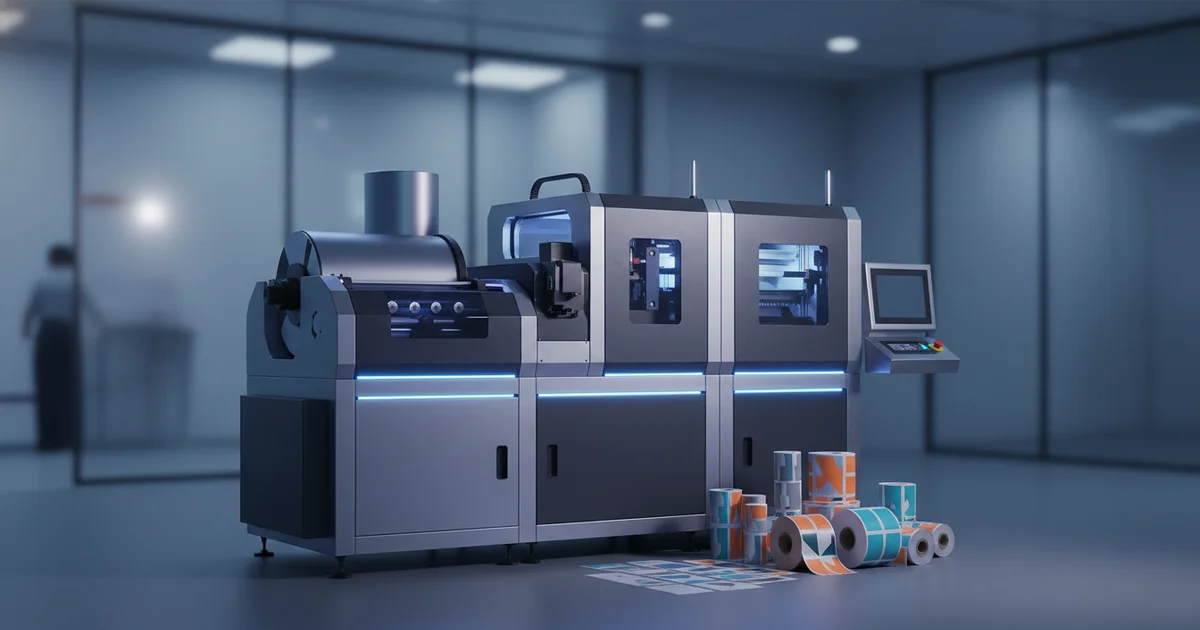
Digital label printing costs $395 for 1,000 units with zero setup vs. $1,070 for screen printing. It's ideal for runs under 5,000 units, variable data, and 3-5 day turnarounds on HP Indigo presses. Use for food service labels with FDA-compliant 3mil BOPP.
Digital label printing is an on-demand production method using toner or inkjet technology, ideal for runs under 5,000 units where variable data, fast turnaround, and zero plate costs are critical. It delivers high-quality, compliant labels with a typical lead time of 3-5 business days.
In our experience working with enterprise clients, the biggest mistake is selecting a process based on unit price alone, ignoring the total cost of ownership from plate charges, warehousing, and obsolescence. This guide provides the decision frameworks and specific data you need to spec your next label project correctly for 2026 and beyond. For a broader view of our capabilities, explore our promotional & diy goods solutions.
The Strategic Shift to Digital Label Printing
What most people get wrong is viewing digital as just a “short-run” option. The strategic value of digital label printing lies in supply chain agility. It eliminates plate costs (typically $300-$800 per color), enables versioning for regional markets, and allows for true just-in-time production. This reduces warehousing costs and the risk of obsolete inventory—a common pain point we see with clients holding 50,000+ labels for a product that may be updated quarterly.
Production Data: Total Cost Analysis (1,000 Labels)
| Cost Component | Digital (HP Indigo) | Flexographic | Screen Printing |
|---|---|---|---|
| Plate/Screen Setup | $0 | $450 | $600 |
| Material Cost (per 1k) | $185 | $160 | $220 |
| Run Cost (Labor + Machine) | $210 | $180 | $250 |
| Total Cost | $395 | $790 | $1,070 |
| Breakeven vs. Digital | — | ~3,200 units | ~4,500 units |
The detail that makes the difference is the breakeven point. As our data shows, digital is the clear cost leader for runs under 3,000 units. After that, the zero setup cost is amortized, and traditional methods become competitive. A common specification mistake is ordering 10,000 labels via screen printing to get a lower per-unit price, only to scrap half of them after a formula change.
"We saved one client 40% annually by switching their 15 SKU line to digital, producing 2,500-unit batches monthly instead of 30,000-unit quarterly orders. The savings weren't just in print — it was in freed-up warehouse space and eliminated waste." — Emily Zhao, Client Solutions Architect
Digital vs. Screen Printing Labels: Cost and Capability Analysis
Screen printing labels excels at ultra-durability, opaque whites, and specialty inks like metallics on dark materials, but has high setup costs and slower turnarounds. Digital wins on speed, cost for sub-5k runs, and photographic detail.
The core trade-off isn't just quality; it's capability versus agility. Screen printing uses mesh screens to push thick ink layers onto substrates, perfect for labels that must withstand UV exposure, abrasion, or chemical washdowns. However, each color requires a separate screen ($150-$300 each), and setup can take a full day.
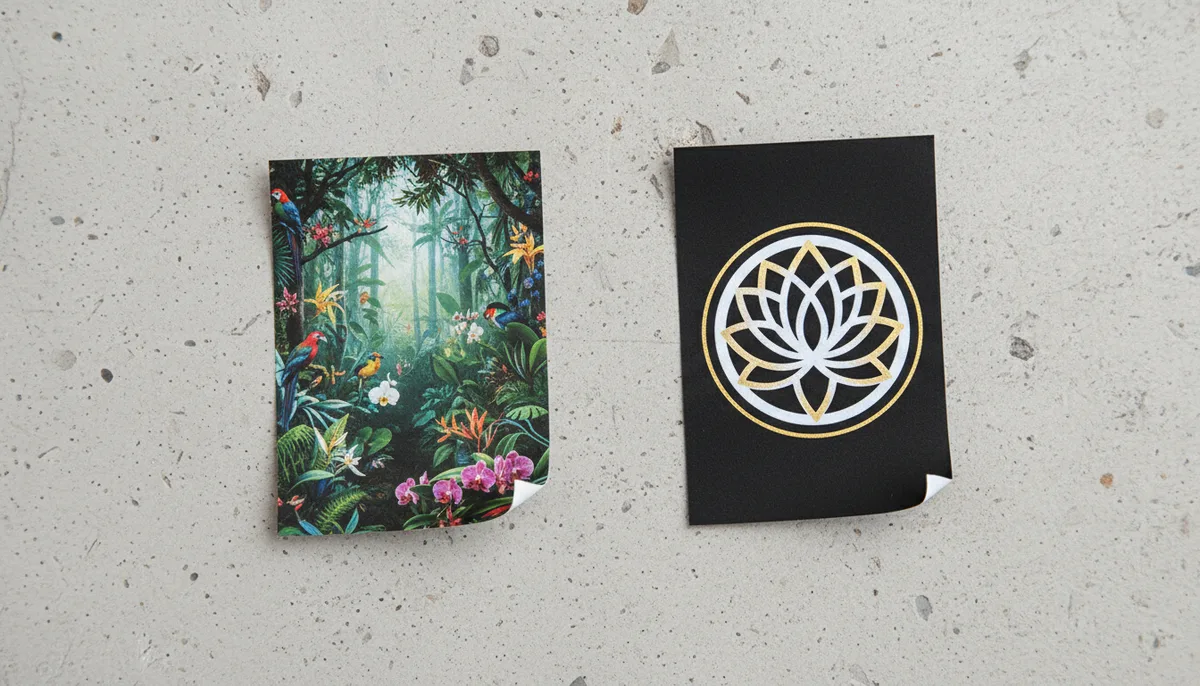
In contrast, our HP Indigo digital presses produce labels at 1200 dpi with near-photographic quality, but the toner sits on the material surface. For a white label on a clear bottle, screen printing’s opaque white layer is superior. For a detailed brand story with imagery and variable QR codes, digital is unmatched. The decision framework is simple:
Decision: Digital vs. Screen Printing for Labels
- If run length < 5,000 units AND no opaque white/neon ink is required → Choose digital label printing.
- If label requires extreme outdoor durability (3+ years) or metallic ink → Choose screen printing labels.
- If you need variable data (serial numbers, barcodes) or versioning → Digital is the only practical choice.
- If unit cost is the sole driver AND volume exceeds 10,000 units → Re-evaluate screen or flexographic printing.
How to Order Custom Label Prints Online: A Step-by-Step Guide
Ordering custom label prints online requires providing print-ready artwork, specifying material and finish, and selecting a fulfillment option. A complete spec sheet prevents 80% of production delays.
Most online ordering portals fail because they treat labels as a commodity. Effective label printing online is a specification exercise. From our facility workflow, here’s the procedure that ensures success:
How to Order Custom Labels Online: 5-Step Summary
- Step 1: Finalize Artwork. Supply print-ready PDF/X-1a files with 1/8" bleed and CMYK color space. Embed all fonts. For barcodes, specify GS1-128 or Code 128 at a minimum 80% magnification.
- Step 2: Specify Material. Choose based on application: FDA-compliant C1S paper for food, 3mil BOPP for moisture resistance, or 2mil polyester for durability. Don't guess — request a material sample kit.
- Step 3: Define Finishing. Select laminate (gloss/matte), die-cut shape, and adhesive (permanent, removable, freezer-grade).
- Step 4: Validate Compliance. If for food, pharmaceutical, or electronics, provide the specific regulation (e.g., FDA 21 CFR Part 11, UL 969).
- Step 5: Choose Fulfillment. Select shipment of finished rolls, sheets, or individually packed labels. For local label printing in Houston, TX, ask about will-call pickup to save a day.
A common mistake we see is clients ordering a “gloss laminate” without specifying the micron thickness (1.2mil vs 2mil). The thinner film cuts cost but offers less protection. Always ask for a specification sheet from your provider. For a deeper dive into cost structures, read our analysis on digital printing cost per unit.
Need a compliant, durable label spec sheet tailored to your product? Our team can review your requirements and provide a production-ready quote in 24 hours.
Get a Free Quote →Food Service Label Printer Specifications for Compliance and Durability
A compliant food service label printer must use FDA-approved materials (21 CFR), offer durable finishes for cold/wet environments, and print legible text at small sizes. Digital presses with UV-resistant toner meet most needs.
Specifying a food service label printer isn't just about buying equipment; it's about validating the entire production chain. Labels must withstand condensation, grease, and freezer temperatures while remaining legible. The most overlooked spec is the adhesive: a permanent acrylic adhesive can fail in a 40°F cooler, requiring a specialized low-temperature adhesive.
of food label reprints we audit are due to adhesive failure or ink smearing, not incorrect information.
Here are the non-negotiable specifications for food service labels:
- Material: Direct food contact requires FDA-compliant face stock (like FSC-certified paper) and adhesive. For indirect contact, 3mil BOPP with a laminate is standard.
- Ink: Must be non-toxic and resistant to the intended environment. For wet areas, specify UV-cured inks or protective overlaminate.
- Durability: Labels must pass a 24-hour soak test in the relevant substance (water, oil, 10% bleach solution).
- Print Quality: Text as small as 6pt must be legible. This requires a minimum print resolution of 600 dpi, which digital label printing easily exceeds.
In our facility, we run durability tests on every new food service material combination. A recent finding: a popular “water-resistant” paper failed after 2 hours in a commercial steamer environment. Always request test certificates.
Local Label Printing in Houston TX: Speed vs. Cost Tradeoffs
Local label printing in Houston, TX offers next-day pickup and lower shipping costs, but may have a 15-25% premium over national online printers for the same digital label printing specs. The value is in collaboration and rapid revisions.
Choosing a local label printing partner in Houston isn't just about geography; it's about reducing logistical risk. For a beverage brand launching in H-E-B, having a printer within 20 miles means you can approve a physical proof in the morning and have finished rolls by afternoon. This agility is impossible with a distant supplier.
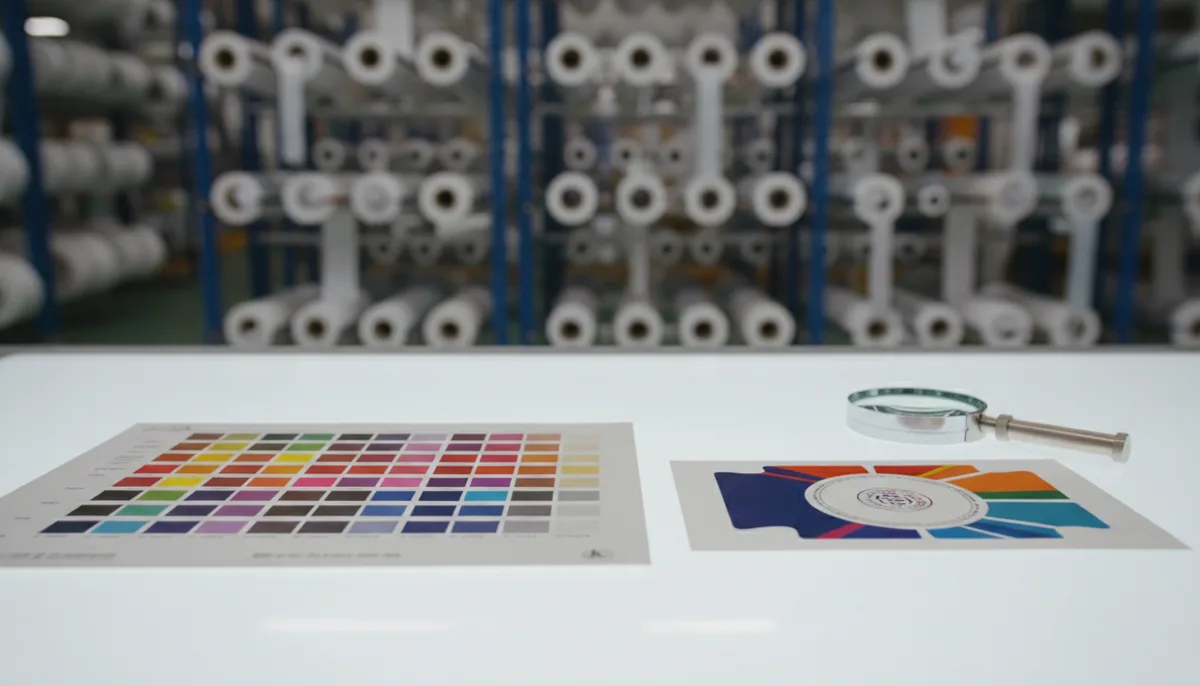
However, the trade-off is real. Our analysis shows local printers often have a higher operational cost base. You might pay $450 for 1,000 locally printed digital labels versus $395 from a high-volume national facility. The breakeven for “local” is when your shipping costs exceed $55, or when a one-day delay costs you more than the price difference in lost sales or missed deadlines.
"For our Houston-based clients in oil & gas, a local printer isn't a luxury—it's a requirement. They need safety compliance labels revised and printed within 24 hours to meet audit deadlines. The premium is worth it for risk mitigation." — Head of Operations, JinXinCai Houston Facility
When evaluating label printing Houston TX options, ask about their digital press capabilities (HP Indigo vs. Epson SurePress), in-house finishing (lamination, die-cutting), and their standard turnaround for a 5,000-unit order. A true partner should offer a site visit. For a case study on local success, see how a Houston beverage brand saved 40% with a hybrid digital strategy.
Implementation Framework: When to Choose Digital Label Printing
Implement digital label printing when your run is under 5,000 units, you require variable data or versioning, or your turnaround is under 7 days. Use traditional methods for longer runs needing specialty inks or extreme durability.
This framework moves beyond simple volume thresholds. We guide clients through a four-quadrant decision matrix based on Volume and Variability. The sweet spot for digital is high variability (multiple SKUs, versioning) and low-to-medium volume. For example, a skincare line with 12 scents, each needing 2,000 units, is perfect for digital.
| Scenario | Recommended Process | Rationale & Cost Implication |
|---|---|---|
| New Product Launch (500 units for test market) | Digital Label Printing | Zero plate cost; ideal for fast iteration. Cost: ~$400. |
| Seasonal Promo (10,000 units, 1 design) | Flexographic Printing | Lower per-unit cost after ~3,500 units. Cost: ~$1,600. |
| Industrial Warning Labels (5,000 units, must withstand solvents) | Screen Printing Labels | Superior ink adhesion and chemical resistance. Cost: ~$2,200. |
| Wine Labels (8 varietals, 1,500 units each) | Digital Label Printing | Cost-effective versioning; no 8 separate plate sets. Cost: ~$3,200 total. |
The limitation? Digital toner doesn't achieve the same opaque brightness as screen-printed white, which can be critical for labels on transparent or dark containers. In those cases, a hybrid approach — digital print with a screen-printed white underbase — might be necessary, adding cost and time.
Future-Proofing Your Label Procurement Strategy
Future-proof your label strategy by adopting a hybrid model: use digital for agility and short runs, and reserve traditional methods for stable, high-volume SKUs. Build partnerships with printers who offer both.
The goal isn't to pick one technology forever. The most resilient brands use a portfolio approach. They run their flagship product's million-unit label order via flexography for the lowest cost, while using digital label printing for all limited editions, regional promotions, and new product testing. This balances scale with speed.
Start by auditing your current label SKUs. Categorize them by annual volume and change frequency. Pilot a digital run for your most frequently updated label this quarter. Measure the total cost savings, including reduced warehousing and eliminated obsolescence. For more on integrating barcodes into this strategy, our guide on barcode label printing and compliance is essential reading.
In 2026, the winners will be those who treat labels as a dynamic component of their supply chain, not a static purchase. Digital label printing is the enabling technology for that shift.
Frequently Asked Questions
What is the exact breakeven point for digital label printing versus screen printing for promotional goods?
Based on internal production data, digital label printing is cheaper for runs under 4,500 units. For a 1,000-label job, digital costs $395 total, while screen printing costs $1,070 due to a $600 screen setup fee. The breakeven point is approximately 4,500 units, after which screen printing's per-unit cost advantage may emerge.
What material and finish specifications are critical for custom labels used outdoors?
For outdoor durability, specify a 3mil BOPP (biaxially oriented polypropylene) material with a UV-resistant laminate, at least 2mil thick. The ink must be UV-cured or protected by an overlaminate to prevent fading. Labels should pass a 24-hour weather resistance test. Screen printing is often recommended for labels requiring 3+ years of outdoor exposure.
How does choosing a local label printer in Houston, TX, impact cost and lead time for Texas operations?
Local label printing in Houston offers next-day pickup, eliminating shipping delays and costs, which enhances supply chain resilience. However, it typically carries a 15-25% premium. For example, 1,000 digital labels might cost $450 locally versus $395 from a national printer. The value is in rapid revisions and collaboration, crucial for meeting tight audit or launch deadlines.
When ordering custom label prints online, what is the single most important step to avoid production delays?
Providing a complete, print-ready artwork file is paramount. Supply a PDF/X-1a with 1/8" bleed, CMYK color space, and embedded fonts. For barcodes, specify GS1-128 or Code 128 format at a minimum 80% magnification. Incomplete artwork causes over 80% of delays in digital label printing workflows.