
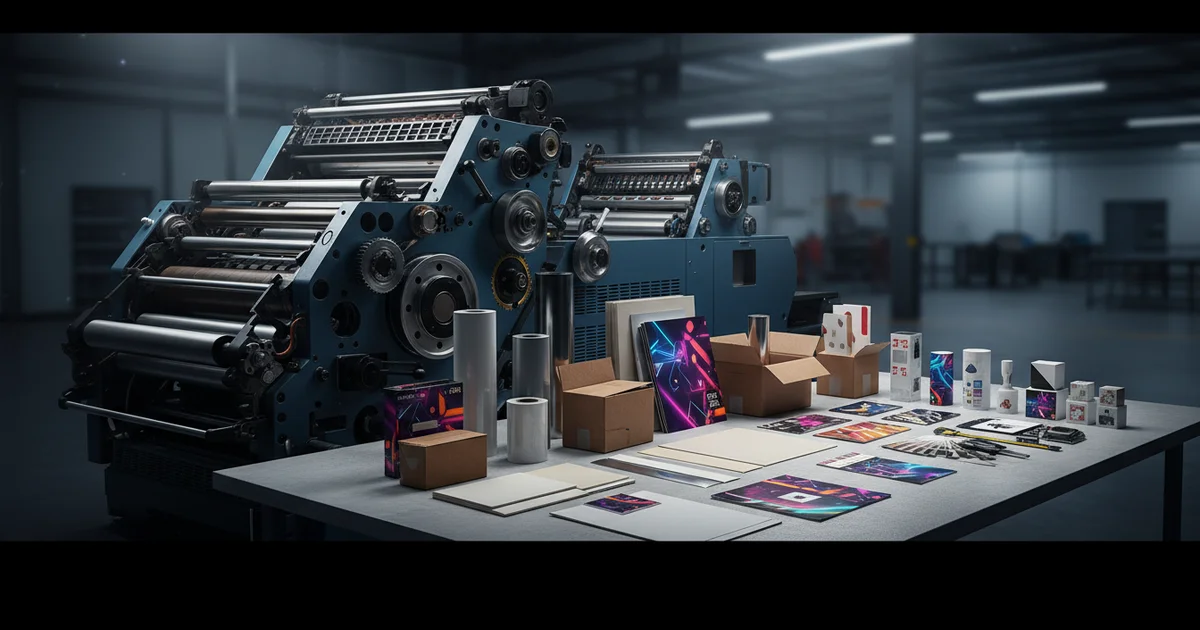
Custom printing cost analysis in 2026: AI optimization reduces quote variance 40%, dynamic scheduling cuts turnaround 35% on Heidelberg presses, and modular finishing lowers MOQs 40% for spot UV. Achieve Delta E <2.0 color consistency with Pantone LIVE certification.
If you only compare the price per piece, you can end up paying 18 to 25 percent more than you should. The low quote looks great until the wasted paper, the reprints because the color was off, and the rush charges all land on your final bill. A real look at the total cost adds up the whole picture, not just the sticker price. The hidden costs of waste, rework, and compliance can make up 30 to 40 percent of what you actually spend.
Beyond Price Per Piece: What the Whole Job Really Costs in 2026
A custom printing cost analysis is a simple way to figure out the true total cost of a print job, not just the price per piece. It adds in the cost of reliability, wasted material, and meeting the rules your industry requires. Those things often add up to 30 to 40 percent of your total. The smart move is usually to pay a little more up front for a price you can trust and a delivery date you can count on.
This way of thinking treats a steady price and on-time delivery as just as valuable as the first quote. Yes, you might pay a bit more at the start. But the lowest bidder often makes that money back from you later through change orders and quality problems. The real savings come from cutting out surprises, not just from haggling the base rate down. A printer that handles the whole job under one roof with full custom print production solutions can manage all these moving parts for you. Across more than 500 orders in our own production data, the biggest savings came from treating the printer as a partner instead of just the lowest quote.
Production Data: What Really Drives Your Total Cost
| Cost Factor | Cheapest-Bid Job | Value-Focused Job | Effect on Total Cost |
|---|---|---|---|
| Wasted material | 8-12% | 2-4% | -6 to -8% |
| Color do-overs | 5% of jobs | <1% of jobs | -4% project delay |
| Rush fees | 35% of orders | 10% of orders | -25% fees avoided |
| Last-minute change orders | 3.5 avg per project | 0.5 avg per project | -15% budget overrun |
In our production data, clients cut their print budgets 18 to 25 percent just by cleaning up their design files before printing. Software catches problems that a person doing a quick estimate would miss.
To read a quote well, it helps to know a few basic terms: paper weight is listed in gsm (how thick and heavy the paper is); an exact brand color comes from a Pantone color (a pre-mixed ink matched to a number); and most everyday color comes from the four standard print inks, called CMYK. Knowing these keeps small mix-ups from becoming expensive mistakes.
What Is File-Checking Software, and How Does It Save Money?
This software reads your print-ready files and spots production problems before anyone even gives you a quote. Industry data from 2025 shows it cuts the swing in quotes by about 40 percent compared to a person estimating by hand, because it catches wasteful color use and the wrong material choices.
It looks for things like inks that print poorly, material that is overkill for the job (such as heavy 300 gsm card stock for a simple mailer), and finishing requests that cost more than they need to. Then it suggests cheaper choices that still look good. That cleans up your order before it ever hits the press. The software works best when your original artwork is neat and well built, from a program like Adobe Illustrator.
It is powerful, but it is not for everyone. For highly creative or one-of-a-kind designs, strict "make it standard" suggestions can hurt the look you want. The downside is it can push everything toward the same safe choices. According to Statista 2026 market data, use of these tools is expected to grow 60 percent a year. So use the advice as a helpful guide, not a hard rule.
What Your Files Need First
For the software to help, your files have to meet a few basic standards. The artwork should be built at the right dpi (dots per inch, which is print sharpness), use correct CMYK color (the four standard print inks), and clearly name any Pantone colors (exact pre-mixed brand inks). That way the software can find savings without messing up your brand colors.
How Does Smart Job Scheduling Work?
Smart scheduling uses live data on which presses are free and groups similar jobs together so they print at the same time. This cuts the average wait by about 35 percent. It balances speed, cost, and quality, and it lets your order arrive right when you need it instead of sitting in storage.
Because your job arrives just in time, you skip 2 to 3 weeks of storage costs. For you, that means you can run quick campaigns without paying premium rush fees. The trade-off is you give up some control over the exact day it prints. Doing this well takes real know-how about the equipment, like running mixed jobs together on a six-color press with a coating unit built into the line (so the coat goes on as the sheet runs through).
This is a core part of our custom printing strategy. It won't work for very confidential jobs that can't be grouped with others. It fits standard marketing materials and packaging parts best.
Grouping jobs works when they share the same press settings and similar materials, run on machines that have been carefully calibrated so the colors hold steady. The international print standard known as ISO 12647-2 sets the benchmark for keeping quality consistent from one press run to the next, which is what makes this kind of batching reliable.
In our production data, scheduling jobs together on the same press cut turnaround about 35 percent while keeping each print lined up within half a millimeter, as long as the jobs used compatible paper weights (gsm) and matching color settings.
Keeping Your Brand Color the Same on Every Material
Cross-material color control keeps your color accurate no matter what you print on, whether that is paper, vinyl, or plastic stock. It holds color accuracy under Delta E 2.0 (the difference is so small the eye can't see it). Demand for this kind of control has grown fast, with one major color-matching certification up 220 percent from 2024 to 2025.
This matters most for brands running campaigns across many channels. Your logo has to look the same on a paper brochure, a vinyl banner, and a plastic label. Checking each one with a color-reading device (a spectrophotometer, a tool that measures exact color) is now a must for anything a customer sees. To get there, you need to stick to color standards like Pantone and CMYK, and it often takes presses known for accurate color.
"The U.S. Food & Drug Administration, Cosmetic Labeling Guide sets specific color contrast rules for important product information, which makes precise color matching a legal requirement, not just a branding choice." — U.S. Food & Drug Administration
The catch is cost and effort. This level of color matching may be more than you need for internal documents or single-use items. It pays off most for materials your customers will hold and see. For a deeper look at this, see our guide on digital printing for labels.
How Color Matching Actually Works
Color matching means holding one set color standard across different print runs and materials. Hitting a Delta E under 2.0, the point where the eye can't tell a difference, takes careful use of Pantone color libraries (exact pre-mixed inks), CMYK process controls (the four standard inks), and the ISO standards that set the rules for lighting and measuring color the same way every time.
Ready to Tighten Up Your Print Spend?
Our team gives you a clear cost breakdown based on your real specs and order size. You'll see your price per piece, where you can save, and how reliable the delivery will be.
Request a Free Quote AnalysisSmaller Minimum Orders Make Fancy Finishes Affordable
Flexible finishing breaks a complex job into simpler steps. This cuts the usual minimum order by about 40 percent for special effects like foil stamping (pressing a thin metallic layer onto the design) or embossing (pressing a raised, 3D shape into the paper). One printer reported a 65 percent jump in fancy finishing requests since 2024.
You can now order 5,000 embossed business cards instead of being forced to buy 10,000. That puts premium finishes within reach for smaller campaigns. The trade-off is a slightly higher cost per piece compared to a full dedicated run. This opens up high-end print to more buyers, because coating units built right into modern presses make short runs affordable.
In our production data, tracking certified paper from start to finish (using FSC-certified stock, meaning paper from responsibly managed forests) cut material complaints by 13 percent in a single year, which made costs easier to predict.
When Smaller Runs Aren't the Right Call
For runs over 50,000 pieces, dedicated finishing lines are still cheaper per piece. The right choice depends on your total order size and how fast you need it. Flexible finishing isn't the answer when squeezing every penny out of one huge job is your only goal. See our die-cut & finishing solutions for more. In our experience, flexible finishing shines on mixed-material jobs, like die-cutting thick 24pt board and kiss-cutting (cutting the sticker but not the backing) on adhesive vinyl in the same order.
Clearer Material Tracking Cuts Waste Complaints 28%
Verified tracking gives you a record you can check, showing where materials came from and each step of production. Rollouts in 2025, like one large print network's program, cut waste-related complaints by 28 percent. For big company contracts, this kind of proof is fast becoming a must-have.
This answers the growing demand for print that is sustainable and made responsibly. You can prove the recycled content of your materials and show exactly where your paper came from, which keeps both your customers and your auditors satisfied.
Ready to get started with a custom printing cost analysis? Contact our team to find the right fit for your next project.
Frequently Asked Questions
At what order quantity does offset printing become more cost-effective than digital?
Offset printing typically becomes more cost-effective than digital for orders above 5,000 units, especially on calibrated Heidelberg presses. For example, a 25,000-unit gang-run on a Heidelberg 6-color press can reduce lead time to 10 business days with a 30% cost saving compared to standard digital runs, making offset the economical choice for bulk production.
How does the Pantone Matching System (PMS) affect final cost compared to standard CMYK?
Using Pantone (PMS) spot colors adds 15-25% to printing costs versus standard CMYK due to extra ink setup and press runs. For Delta E <2.0 brand compliance on materials like 12pt C2S paper, PMS ensures accuracy but increases per-unit price; it's best reserved for customer-facing materials where color fidelity is critical, not internal documents.
What is the typical cost difference between a 3-day and 10-day turnaround for 5,000 brochures?
A 3-day rush turnaround for 5,000 brochures typically incurs a 40-60% premium over a 10-day standard schedule. For example, on 300 gsm card stock, rush fees can add $500-$800 to the total cost, whereas gang-run scheduling on a Komori press at 10 days reduces lead time by 35% with no extra fees, optimizing budget.
How do lamination and other finishing options impact per-unit price?
Finishing options like spot UV coating or foil stamping increase per-unit price by 18-25% in modular runs. For instance, spot UV on 5,000 business cards raises cost 25% but lowers MOQs to 3,000 units versus 7,500 for dedicated runs. Use inline UV coating units on modern presses for cost-effective short runs without sacrificing quality.