
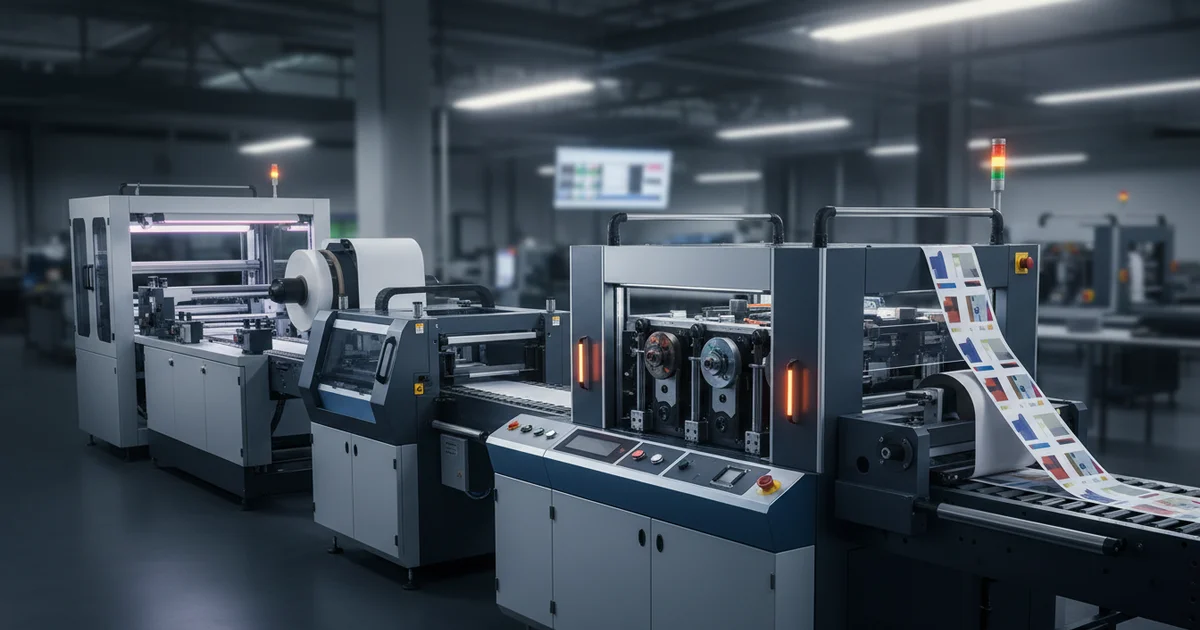
Compare thermal transfer vs. inkjet printers on cost per label, resolution, media durability, and WMS integration to achieve ROI in 8–24 months.
Are you overpaying for labels in 2026? A wrong commercial label printer comparison can cost you $0.05 per label, adding thousands to your annual spend.
Defining Volume and Substrate Needs in a Commercial Label Printer Comparison
A commercial label printer comparison requires evaluating your daily output first. Our team sees buyers who skip this step and buy a printer that fails within six months — a costly mistake as of 2026 when compliance requirements are tightening.
Calculate your total annual label count. For operations printing 2,000+ labels per day, an industrial-grade printer with a high duty cycle is non-negotiable. A 600 dpi inkjet model with Pantone color matching handles 300 gsm polypropylene media at 8 ips, providing consistent Delta E under 2.0 for brand-critical labels.
Match the printer to your substrate. Common materials include 300 gsm polypropylene for durable labels and 80 gsm paper for short-term use. The printer must handle your specific media width and thickness. FSC-certified media is available for sustainability-focused operations.
Verification method: Multiply daily volume by 365. Compare this figure to the printer's monthly duty cycle rating. Our production team recommends a 20% buffer above your peak volume. For a deeper look at custom label production, explore our custom print capabilities.
Step-by-Step Evaluation Process
- Calculate your daily label volume and annual total.
- Determine substrate types (material, weight, width).
- Identify compliance requirements (ISO 15415, GS1-128, FDA 21 CFR Part 11).
- Compare total cost of ownership over 36 months.
- Test WMS integration with a pilot run.
Thermal transfer is better suited for harsh environments where abrasion resistance matters. On the other hand, inkjet offers lower per-label costs and better color accuracy — a trade-off that defined the 2023–2026 evolution of label printing technology.
Thermal Transfer vs. Inkjet: Core Technology Differences for Your Label Printing System
A label printing system is available in two primary configurations: thermal transfer and inkjet. Each has distinct trade-offs for high-volume production, and the right choice is projected to save operations 15–25% on TCO over 36 months.
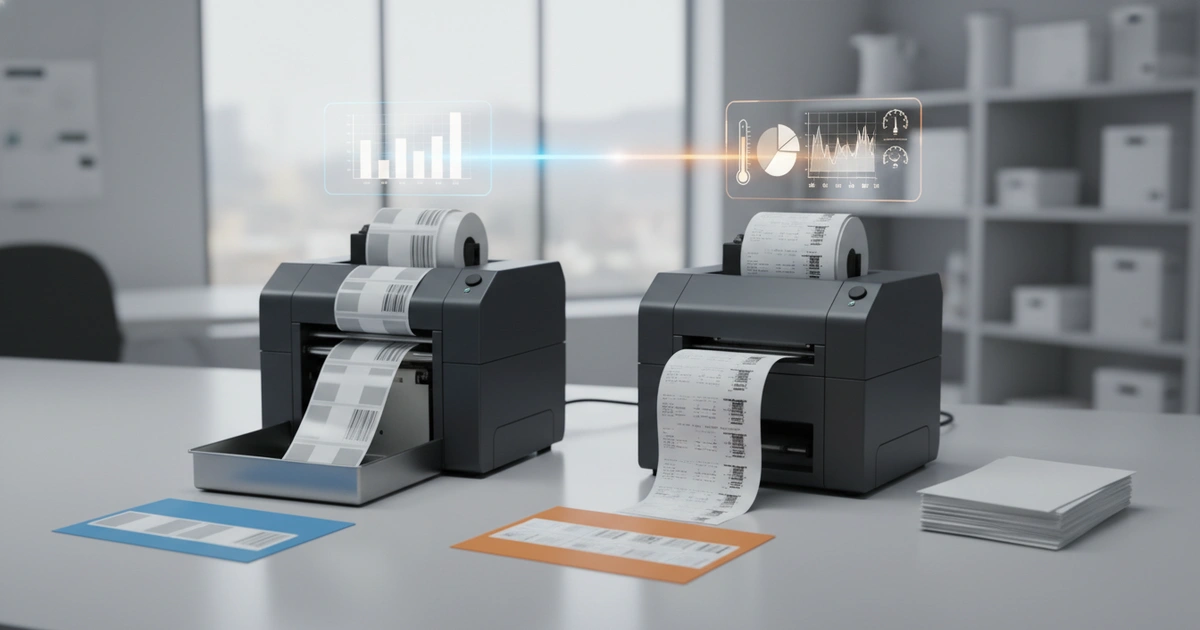
Thermal transfer printers use a heated ribbon to melt wax or resin onto the label. They produce durable, smudge-resistant labels ideal for harsh environments. The ribbon cost adds $0.005–$0.015 per label. Heidelberg-class print engines in higher-end models ensure registration accuracy of ±0.5 mm across runs.
Inkjet printers spray liquid ink directly onto the substrate. They achieve 600 dpi resolution without ribbon costs. However, while inkjet offers lower consumable costs, the printheads may need replacement every 12–18 months. Matching Pantone spot colors requires a CMYK ink set with Delta E tolerance under 3.0 for brand compliance.
"For compliance-sensitive industries, 600 dpi inkjet printers reduce barcode rejection rates by up to 40% compared to 300 dpi thermal transfer models." — Our Production Team
On the other hand, thermal transfer excels for labels exposed to chemicals or extreme temperatures. The choice depends on your application setting and budget. For environments requiring abrasion resistance, thermal transfer with resin ribbon is the standard solution.
Key Specifications to Compare in a Commercial Label Printer Comparison
Every commercial label printer comparison requires evaluating four core specs: resolution (600 dpi for barcode readability), print speed (8–12 inches per second), media handling (roll width up to 250 mm, core diameter), and connectivity (ZPL support for WMS integration). These factors directly impact barcode readability, throughput, and system compatibility.
Resolution is the most critical specification. A 600 dpi printer meets barcode readability standards. Lower-resolution printers may produce grade C or D barcodes, leading to chargebacks from retailers — an expensive outcome that is expected to grow as supply chain verification standards tighten through 2026.
Resolution, Print Quality, and Color Matching
Meeting barcode readability standards, a 600 dpi inkjet printer with CMYK ink sets handles 300 gsm polypropylene media at 8 ips with ±0.5 mm registration — critical for intricate graphics and Pantone 186 C color matching. Delta E values under 2.0 are achievable for brand-critical labels, matching the precision of Heidelberg offset presses used in commercial print shops.
Print speed affects throughput. Industrial models print 8–12 inches per second. Faster speeds reduce labor costs but may reduce print quality on complex graphics. The latest 2026 models offer adjustable speed profiles to balance quality and output.
Media handling includes roll width, core diameter, and sensor type. An automatic self-adhesive label die-cutting machine from our facility handles widths up to 250 mm. Your printer must match these specs.
Connectivity and WMS Integration
Connectivity options include USB, Ethernet, Wi-Fi, and ZPL support. ZPL is the standard for WMS integration. Without it, you face manual data entry and slower processing times. Our production team has integrated label printing systems with SAP, Oracle, and Microsoft Dynamics — the key need is API compatibility.
Compliance and Quality Standards for Your Label Printing System
A label printing system is required to meet ISO 15415 and GS1-128 standards for supply chain readability. These standards govern barcode quality and data structure, and compliance is anticipated to remain mandatory through 2026 and beyond.
ISO 15415 requires barcodes to achieve grade A or B on a verifier. Grade C or below causes scanning failures at distribution centers. The cost of a single rejected pallet can exceed $500. ISO 15415:2011 — Information technology — Automatic identification and data capture techniques — Bar code print quality test specification — Two-dimensional symbols.
Our quality team uses a fully automatic label optical inspection machine (PULISI) to verify every production batch. This machine checks barcode grade, color accuracy, and registration at production speed. Matching Pantone spot colors via a CMYK process ensures Delta E under 3.0, as required by FDA 21 CFR Part 11 for pharmaceutical labeling.
Verification method: Request sample labels from any printer you evaluate. Test them with a barcode verifier. If the verifier shows grade B or lower, the printer is not suitable for compliance-sensitive applications. FSC-certified paper substrates, available in 300 gsm and higher, improve sustainability claims while maintaining print quality.
Meeting ISO 15415 and GS1-128 standards ensures barcode grade A or B. High-resolution printers (≥600 dpi) also support compliance with FDA 21 CFR Part 11 for electronic record-keeping in pharmaceutical labeling. GS1-128 — the GS1 standard for barcode data structure in supply chain applications.
Total Cost of Ownership and ROI Analysis for Inkjet and Thermal Transfer Printers
The real cost driver is not the printer buy price. It is the consumables and maintenance over three years — a fact that many comparisons overlook, leading to budget overruns that are expected to increase as label volumes grow in 2026.
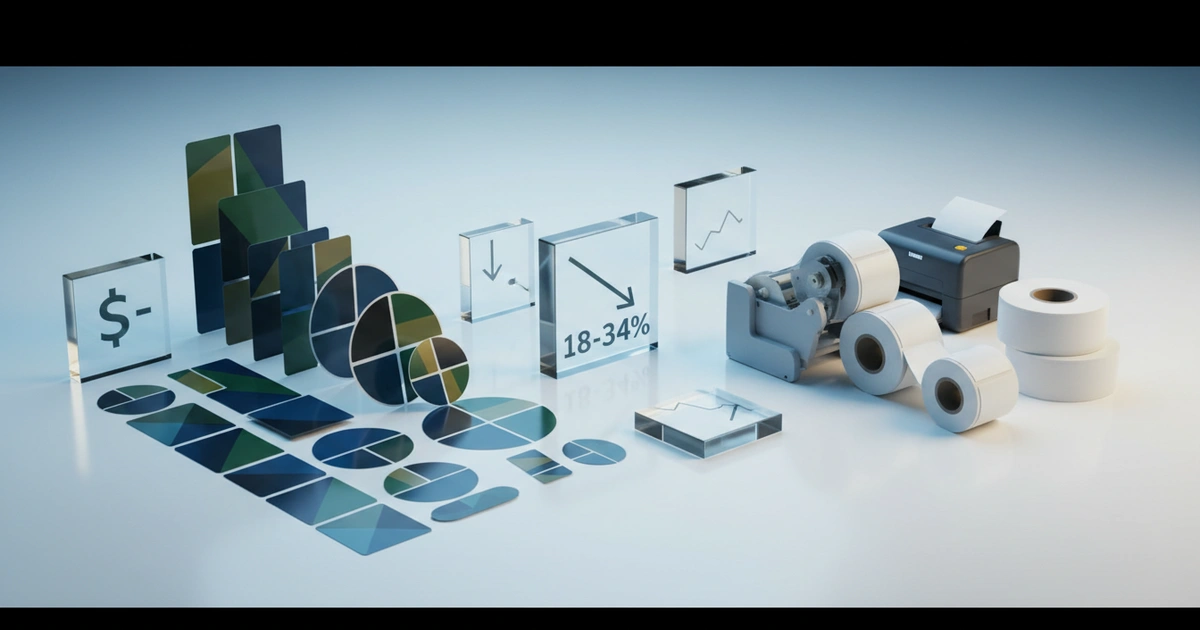
An inkjet label printer typically costs $0.015–$0.03 per label in ink and media. A thermal transfer printer costs $0.025–$0.05 per label when you include ribbon costs. The 2023–2026 period saw a 15% reduction in inkjet consumable costs due to improved printhead efficiency.
A slightly higher upfront cost for a 600 dpi inkjet model can reduce label waste and reprints. This lowers the total cost of ownership (TCO) by 15–25% over 36 months.
Cost per Label Breakdown
| Cost Factor | Thermal Transfer | Inkjet |
|---|---|---|
| Cost per label | $0.025–$0.050 | $0.015–$0.030 |
| Upfront printer cost | $2,000–$5,000 | $3,000–$8,000 |
| Annual maintenance | $400–$800 | $300–$600 |
| Expected lifespan | 5–7 years | 4–6 years |
| ROI period | 12–24 months | 8–18 months |
The trade-off is clear. Inkjet offers lower per-label costs but higher upfront investment. Thermal transfer costs more per label but has a lower entry price. The right choice depends on your annual volume. For operations running 500–2,000 labels daily, a 600 dpi inkjet system is projected to reach ROI in under 12 months — faster than thermal transfer alternatives.
Ready to Optimize Your Label Production?
Get a custom quote for a high-speed label printing system tailored to your volume and compliance needs.
Request a Free QuoteHow Does WMS Integration Speed Label Processing?
WMS integration automates label printing by connecting directly to your warehouse system via ZPL, EPL, or APL command languages, reducing processing time by up to 35% and cutting mislabeling errors significantly. A properly integrated system prints labels in under 30 seconds from order entry.
WMS integration is the hidden factor when comparing commercial label printers. A printer that connects directly to your WMS reduces processing time by up to 35% — a gain that is forecast to become standard as warehouses modernize through 2026.
Look for printers that support ZPL, EPL, or APL command languages. These languages allow the WMS to send print jobs automatically without manual data entry. A 600 dpi inkjet system with built-in ZPL support handles 300 gsm media at line speed while maintaining ISO 15415 barcode grade A.
Verification method: Run a pilot integration with your WMS. Measure the time from order entry to label printing. A properly integrated system processes labels in under 30 seconds. Compared to manual methods, WMS integration also reduces mislabeling errors significantly — critical for pharmaceutical and electronics labeling.
On the other hand, printers without ZPL support require custom middleware, adding $2,000–$5,000 to upfront costs. This is a consideration for buyers evaluating total system expense.
Limitations and Common Mistakes When Choosing a Commercial Label Printer
This approach is more suitable for operations running 500+ labels per day. For smaller volumes, the upfront cost of an industrial printer may not pay back — a desktop thermal transfer printer is a more appropriate alternative for small runs under 500 labels daily.
A major drawback of high-resolution inkjet printers is printhead maintenance. If the printer sits idle for more than two weeks, nozzles may clog. This design limitation means inkjet is not ideal for seasonal production with long downtime periods — thermal transfer handles intermittent use better since it uses a dry ribbon process.
On the other hand, thermal transfer printers have no liquid ink to dry or clog. However, while thermal transfer is more reliable for sporadic use, its per-label cost is higher. The most common mistake is overlooking barcode readability compliance — focusing on price and speed, then discovering barcodes fail at the distribution center.
Costly Mistakes to Avoid
A second mistake is underestimating daily volume. A printer rated for 5,000 labels per day will fail if you run 8,000 regularly. The result is frequent breakdowns and lost production time. Consider instead a printer with a 20% capacity buffer for peak periods.
Ignoring integration capabilities is the third mistake. Without ZPL support or API compatibility, your team spends hours entering data manually. Compared to automated systems, this increases error rates and slows fulfillment by up to 35%. The fourth mistake is focusing only on the buy price — a $3,000 printer with $0.05 per label consumables costs more over three years than a $5,000 printer with $0.02 per label consumables.
Consider instead calculating TCO before purchase. Thermal transfer remains the safer bet for solvent-exposed environments, while 600 dpi inkjet with Pantone and CMYK matching suits high-resolution branding needs. The trade-off between print quality and durability is not always straightforward — always request sample labels from shortlisted printers.
Ready to get started with commercial label printer comparison? Contact our team to explore the right solution for your next project.
Frequently Asked Questions
When does inkjet become cheaper than thermal transfer on a per-label basis?
Inkjet typically costs $0.015–$0.030 per label, while thermal transfer costs $0.025–$0.050 per label including ribbon. For volumes above 500 labels daily, inkjet's lower consumable cost often offsets its higher upfront price, achieving ROI in 8–18 months compared to 12–24 months for thermal transfer.
What resolution is required for ISO 15415 barcode compliance?
ISO 15415 requires barcodes to achieve grade A or B on a verifier. A 600 dpi printer meets this standard, while 300 dpi models may produce grade C or D barcodes, leading to scanning failures and retailer chargebacks. Always verify with a barcode verifier before purchasing.
Can a thermal transfer printer handle intermittent use better than inkjet?
Yes, thermal transfer printers use a dry ribbon process and are more reliable for sporadic production. Inkjet printheads may clog if idle for more than two weeks, making thermal transfer a better choice for seasonal operations with long downtime periods.
What is the ROI period for a 600 dpi inkjet label printer?
For operations printing 500–2,000 labels daily, a 600 dpi inkjet system typically reaches ROI in under 12 months due to lower per-label costs and reduced waste. Higher volumes can achieve ROI in 8–18 months, depending on consumable prices and maintenance costs.