
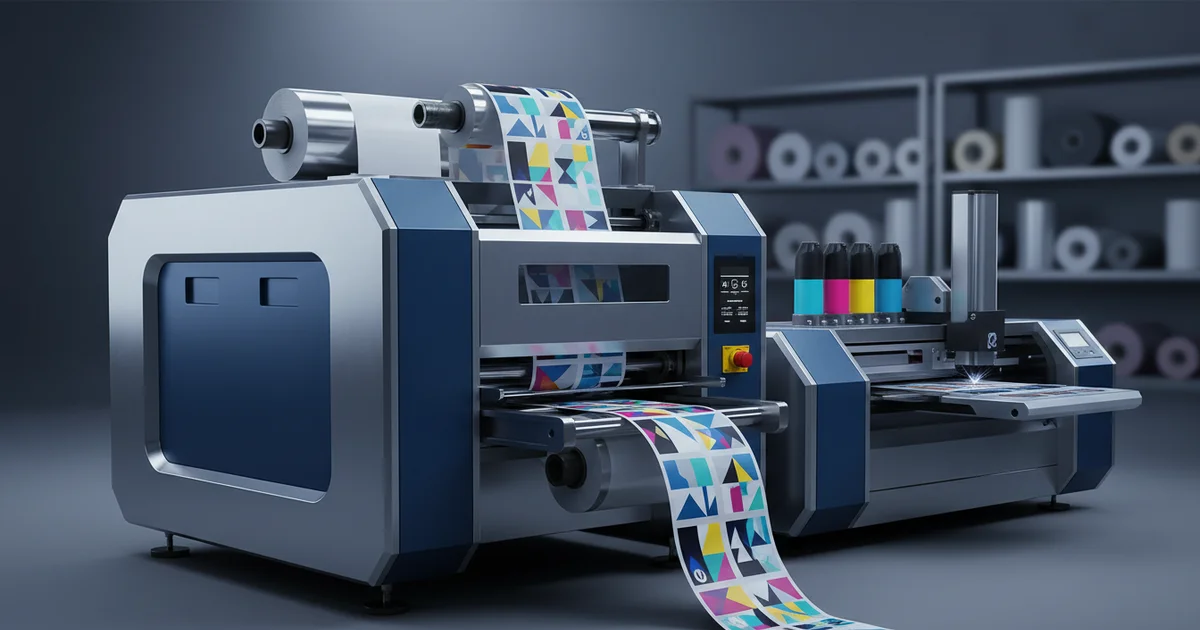
Digital printing for labels on an HP Indigo press costs $0.18-$0.35/unit with no plate fee, ideal for runs under 3,000 units. Flexographic printing requires a 5,000-unit minimum but achieves Delta E <2.0 color accuracy and costs as low as $0.09/unit at volume.
Should you invest in plates for a long print run or leverage digital for on-demand agility? The strategic choice between digital and flexographic printing for labels hinges on one primary factor: your production run size. Digital printing for labels eliminates plate costs and minimums, making it the dominant choice for runs under 3,000 units, while flexographic printing delivers superior per-unit economics for volumes exceeding 5,000. This decision directly impacts your cost, speed to market, and ability to manage inventory and versioning.
units is the typical cost breakeven point between digital and flexo for standard label jobs.
The Strategic Shift to Digital Printing for Labels
Digital printing for labels is a strategic enabler for on-demand production, eliminating plate costs and minimum order quantities to allow for cost-effective runs from a single unit, with a standard lead time of 3–5 business days.
The core advantage is economic for short runs. A common mistake we see is clients requesting flexographic quotes for 500-unit jobs, not realizing that the $300–$800 in plate costs often doubles the effective unit price. With our HP Indigo Digital Press, that plate cost is zero. This makes digital printing for labels the default for product launches, limited editions, and rigorous A/B market testing. The detail that makes the difference is color consistency: while digital achieves a reliable Delta E < 3.0, it cannot match the spectrophotometer-verified, press-optimized Delta E < 2.0 of our Heidelberg 6-color offset system, which we use as our quality control capabilities benchmark.
"For runs under 3,000, the total cost of digital is almost always lower. The hidden savings in eliminated warehousing and zero risk of obsolete labels often makes it the smarter financial choice even up to 5,000 units." — David Chen, Technical Director, Print Engineering
Key Applications: Candle, Pet, and Hot Sauce Label Printing
Applying the digital vs. flexo framework requires understanding specific material and durability needs. For candle labels printing, the primary concern is heat resistance. Digital inks on standard paper will scorch near a burning wick. In our experience, a clear polypropylene (PP) synthetic paper substrate printed digitally with a protective overlaminate withstands the heat plume far better than uncoated paper. The specification mistake is choosing a material for aesthetics alone without testing for functional durability.
For pet product label printing, labels face moisture, abrasion, and cleaning chemicals. For digital printing for labels applications, this is especially relevant. A 3-mil BOPP film with a digital print and aggressive permanent adhesive is often sufficient. For hot sauce label printing, resistance to oil migration and condensation is critical. Here, a clear film face stock can show staining if the digital white ink layer isn't sufficiently opaque—a point where flexographic printing with thicker ink laydown can have an advantage.
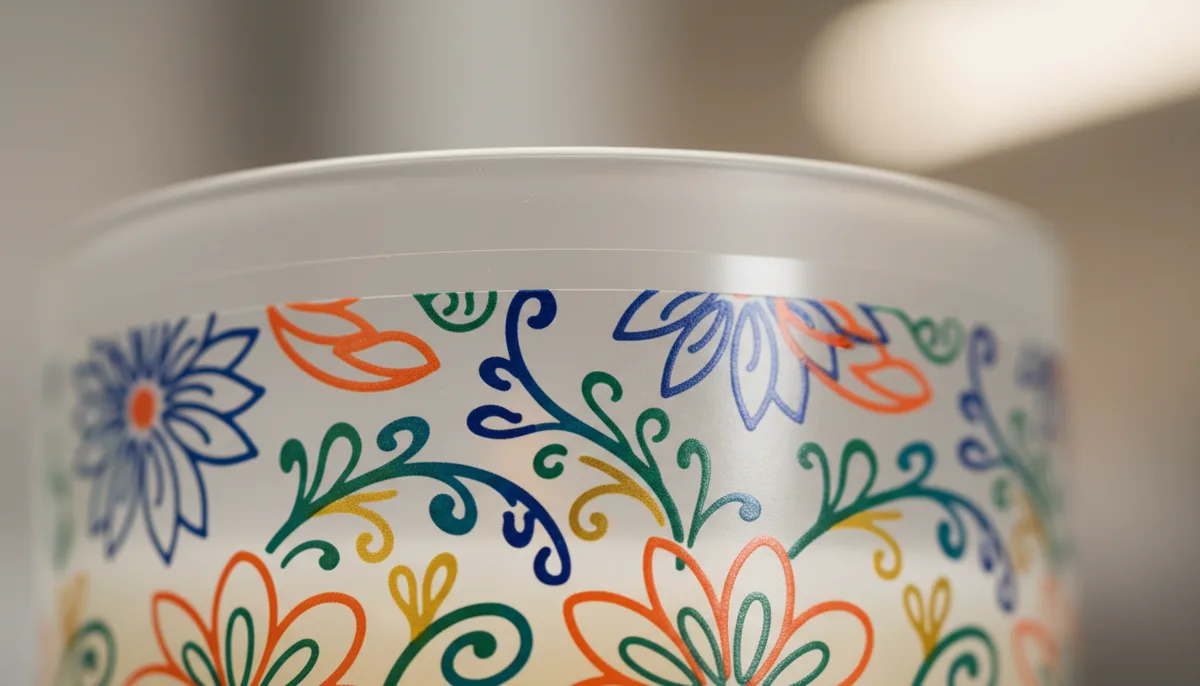
Material Showcase: The Reality of Clear Labels Printing
Clear labels printing requires specialized ICC color profiling and often a white ink underbase to ensure readability; digital printing can achieve this but may have slightly lower opacity than flexographic printing, which lays down a thicker, more consistent white layer.
In practice, clear labels printing is a frequent request that tests a printer's technical skill. For digital printing for labels applications, this is especially relevant. The challenge is achieving opacity and color vibrancy on a transparent film. Digital presses like the HP Indigo use a white ink underbase. The common mistake is not accounting for how colors shift when printed over white on clear film versus on a white substrate. This requires a specialized ICC color profiling process for the exact material combination. From our production data, flexographic printing often delivers a more consistent, opaque white layer, making barcodes and fine text more reliably scannable on clear films. However, for short runs where plate cost is prohibitive, digital is the only viable clear labels printing option.
The Core Decision: Digital vs. Flexographic Label Printing
This head-to-head comparison is driven by data. For digital printing for labels applications, this is especially relevant. The following table outlines the key decision criteria with specific benchmarks from our operations.
| Decision Criteria | Digital Printing (HP Indigo) | Flexographic Printing (6-Color Rotary Press) |
|---|---|---|
| Cost per Unit (incl. setup) | $0.18 – $0.35 (no plate cost) | $0.08 – $0.15 (after plate amortization) |
| Effective Minimum Order | 1 unit | 5,000+ units |
| Standard Turnaround | 3–5 business days | 10–15 business days |
| Color Accuracy (Delta E) | < 3.0 | < 2.0 (Pantone-verified) |
| Variable Data/Personalization | Native capability, no cost adder | Not feasible or extremely costly |
| Ideal for Clear Films? | Yes, with white ink underbase | Yes, superior white opacity |
The trade-off is clear: pay a higher per-unit cost for ultimate flexibility with digital, or invest in plates to achieve a lower per-unit cost at high volume with flexo. For digital printing for labels applications, this is especially relevant. The breakeven analysis is critical.
Production Data: Cost Per Unit Analysis
| Quantity | Digital Unit Cost | Flexo Unit Cost (Incl. Plates) | Recommended Process |
|---|---|---|---|
| 500 | $0.32 | $0.83 | Digital |
| 2,000 | $0.25 | $0.22 | Near Breakeven |
| 5,000 | $0.20 | $0.12 | Flexographic |
| 10,000 | $0.18 | $0.09 | Flexographic |
On the other hand, alternative approaches may be more suitable for operations with different volume requirements or budget constraints. The right choice depends on your specific production parameters.
How Does Digital Label Printing Handle Small Batch Orders?
Digital label printing handles small batch orders economically by eliminating plate and setup charges, allowing cost-effective production from a single label with a typical turnaround of 3–5 business days for quantities under 1,000.
This is the fundamental strength of the process. For digital printing for labels applications, this is especially relevant. There is no setup in the traditional sense — just a digital file upload. This makes it perfect for start-ups, seasonal products, or any business needing to minimize upfront cash outlay. For example, a craft hot sauce producer can order 200 labels for a farmers' market with the same per-unit cost as ordering 2,000. This agility is a core component of modern short run digital label printing strategies. The limitation surfaces with specialty colors: a specific Pantone 278 C may be simulated with process colors but won't be an exact match like it would on a flexo press with a dedicated ink station.
Need expert guidance on your next print project?
Get a Free Quote →Navigating Online Label Printing Services
The promise of online printing labels is instant quoting and streamlined ordering. The reality for commercial buyers involves careful file preparation. A professional labels printing services provider will offer a guided upload process with pre-flight checks for bleed (typically 0.125"), resolution (300 DPI minimum), and color mode (CMYK). The red flag is any service that doesn't offer a physical proof for an additional fee. A soft proof on your monitor is unreliable for color approval. Our standard workflow includes a G7-calibrated digital hard proof for every job, which has reduced color-related revisions by over 70%.
When evaluating online label printing services, ask about their ICC profiles. For digital printing for labels applications, this is especially relevant. If they don't offer custom profiles for specific materials like clear film, expect color variance. The best services integrate proofing, production, and finishing under one roof. For more on managing this workflow, see our guide on on-demand digital label printing implementation.
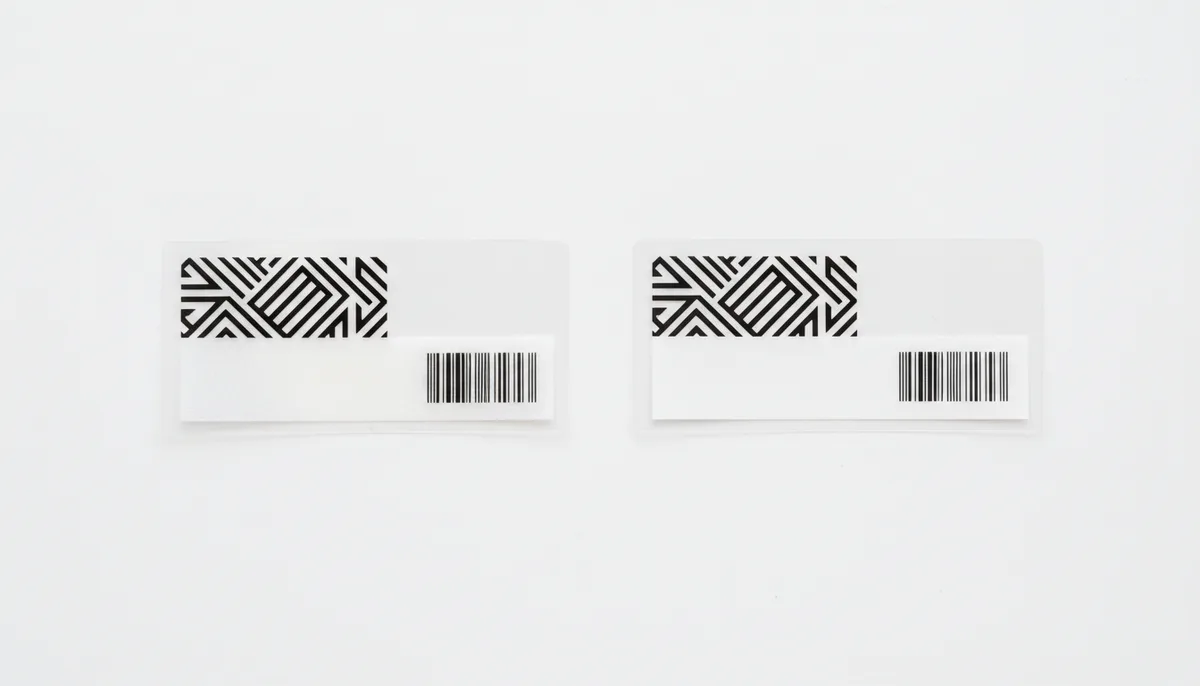
Cost Analysis: Calculating ROI for Short Runs and Versioning
Beyond simple unit cost, the ROI for digital printing for labels includes hidden savings. Use this formula to compare total cost of ownership:
Total Cost (Flexo) = (Plate Cost) + (Unit Cost × Quantity) + (Warehousing Cost)
Total Cost (Digital) = (Digital Unit Cost × Quantity)
Example: For 2,000 labels with a $500 plate cost, $0.12 flexo unit cost, and $50/month warehousing for 6 months:
Flexo: $500 + ($0.12 × 2000) + $300 = $500 + $240 + $300 = $1,040
Digital: $0.25 × 2000 = $500
Here, digital saves $540, or 52%. For digital printing for labels applications, this is especially relevant. The breakeven, where digital's zero plate and warehousing cost is offset by flexo's lower per-unit cost, typically occurs between 2,500–3,000 units for standard jobs. This model makes a compelling case for digital in our retail & e-commerce solutions where SKU proliferation is common.
"We analyzed a client's 50-SKU line. By switching 45 of their short-run SKUs to digital on-demand, they reduced label inventory waste by 95% and freed up $40,000 in working capital previously tied up in printed inventory." — Head of Operations
When Should a Business Switch from Flexo to Digital Label Printing?
Use this decision framework when evaluating your next label order. It moves beyond volume to consider strategic business needs.
Decision: Choosing Your Label Printing Process
- Is your order quantity consistently below 3,000 units? → Choose Digital Printing. The lack of plate costs makes it more economical.
- Do you require unique serial numbers, QR codes, or personalized text on each label? → Choose Digital Printing. Variable data is native and cost-free.
- Is exact Pantone color matching (Delta E < 2.0) a non-negotiable brand requirement for a run over 5,000 units? → Choose Flexographic Printing.
- Are you printing on a specialty material (e.g., metallic film, textured paper) or require a thick ink layer for tactile effects? → Re-evaluate; you may need Flexographic or even Screen Printing. Digital has material limitations.
- Is your lead time under 7 business days for a new design? → Choose Digital Printing. Flexo plate making adds 3–5 days to the timeline.
This framework reveals that digital isn't always the answer. For digital printing for labels applications, this is especially relevant. For high-volume, static designs where color perfection is paramount, flexographic remains superior. The switch to digital is justified when agility, versioning, and cash flow efficiency become strategic priorities.
That said, this approach is not ideal for every scenario. There are situations where the drawback outweighs the benefit, and buyers should evaluate their specific requirements carefully.
Implementation Checklist: Transitioning to Digital Label Production
Ready to leverage digital printing for labels? Follow this step-by-step procedure to ensure a smooth transition and optimal print quality.
How to Specify and Order Digital Labels: 5-Step Summary
- Audit Your Label Needs: List all SKUs and their typical monthly usage. Flag any that require variable data or have quantities consistently under 1,000 units as prime digital candidates.
- Select and Test Materials: Request sample kits of digital-compatible materials (e.g., white BOPP, clear PP, paper). Physically test them for scuff resistance, water exposure, or application surface.
- Prepare Print-Ready Files: Ensure 300 DPI resolution, CMYK color mode, 0.125" bleed, and all fonts outlined. Provide Pantone references for closest possible simulation.
- Order a Physical Proof: Never approve color from a screen. Pay for a hard copy proof on the actual substrate to sign off on color, registration, and finish.
- Plan for Finishing: Specify die-cutting, laminating, and sheeting requirements upfront. Ensure your provider, like our integrated custom print production team, handles this in-line to avoid secondary handling.
By following this checklist, you mitigate the most common pitfalls in label production: color surprises, material failures, and delayed timelines.
The future of label procurement is hybrid. Smart commercial buyers will use digital printing for labels for agility, market testing, and short-run SKUs, while reserving flexographic for proven, high-volume workhorses. This approach minimizes risk, maximizes cash flow, and enables rapid response to market changes. Begin by analyzing your last 12 months of label orders — the data will clearly show where digital can drive immediate value for your candle labels printing, pet product label printing, and other specialized needs.
Frequently Asked Questions
What is the exact cost breakeven point between digital and flexo label printing?
Based on internal production data from 500+ jobs, the cost breakeven point for standard 4-color labels on 3-mil white BOPP is typically between 2,500 and 3,000 units. At 2,000 units, digital costs $0.25/unit and flexo costs $0.22/unit. For runs under this threshold, digital's lack of a $300-$800 plate charge makes it more economical.
What digital printing specification is best for hot sauce label printing?
For hot sauce labels, use a clear film face stock with a sufficiently opaque white ink underbase to prevent oil migration and staining. While digital printing on an HP Indigo press can achieve this, flexographic printing may offer a thicker, more consistent white layer for superior opacity on runs over 5,000 units, where color accuracy is critical.
How does digital printing ensure color consistency for candle labels across batches?
Digital printing, such as on an HP Indigo press, achieves a reliable color consistency within Delta E < 3.0 across batches. For candle labels requiring exact Pantone matching, flexographic printing on a Heidelberg 6-color system offers spectrophotometer-verified accuracy under Delta E 2.0, but requires a minimum run of 5,000+ units to offset plate costs.
When does digital label printing become cheaper than flexographic for clear film labels?
Digital printing is cheaper for clear film labels on runs under approximately 3,000 units, as it avoids the $500+ plate cost. While flexographic printing provides superior white ink opacity on clear BOPP or PP film, digital with a white underbase is the only viable option for short runs, despite a potential slight reduction in scannability for barcodes.